 SpinBrooo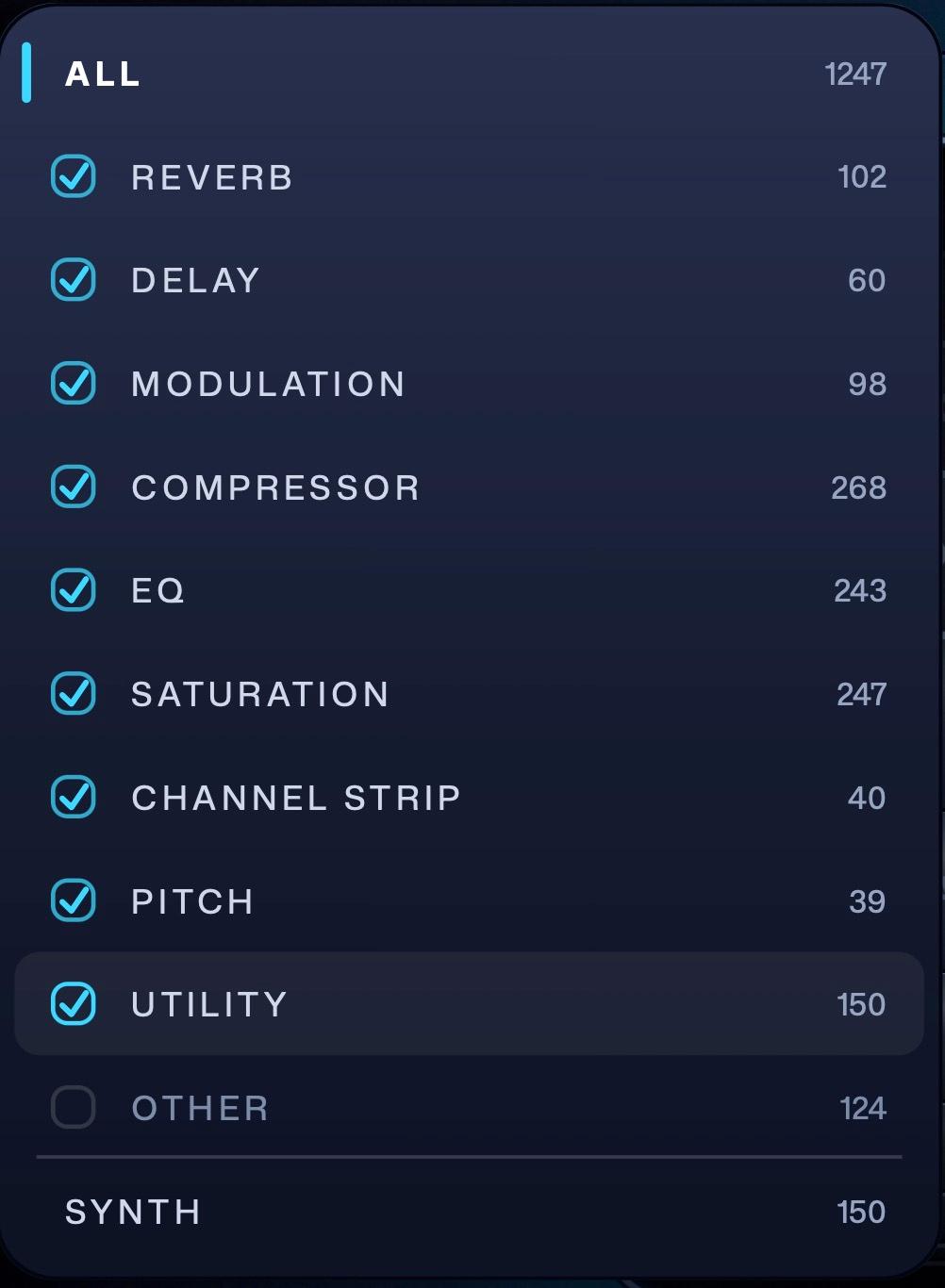
Pick what you are looking for
Reverbs, delays, compressors, EQs and the rest, each with a count of what you actually own. Tick the kinds you want in the draw, or leave it on ALL and let the whole collection play.
 Free plugin
Pick a category and press SPIN.
SpinBrooo hands you one you forgot you owned.
AU, VST3 and Standalone. macOS

How It Works
Every plugin on the machine, found and listed in a couple of seconds.
Reverbs with reverbs, compressors with compressors.
Or leave it on ALL and let the whole collection play.
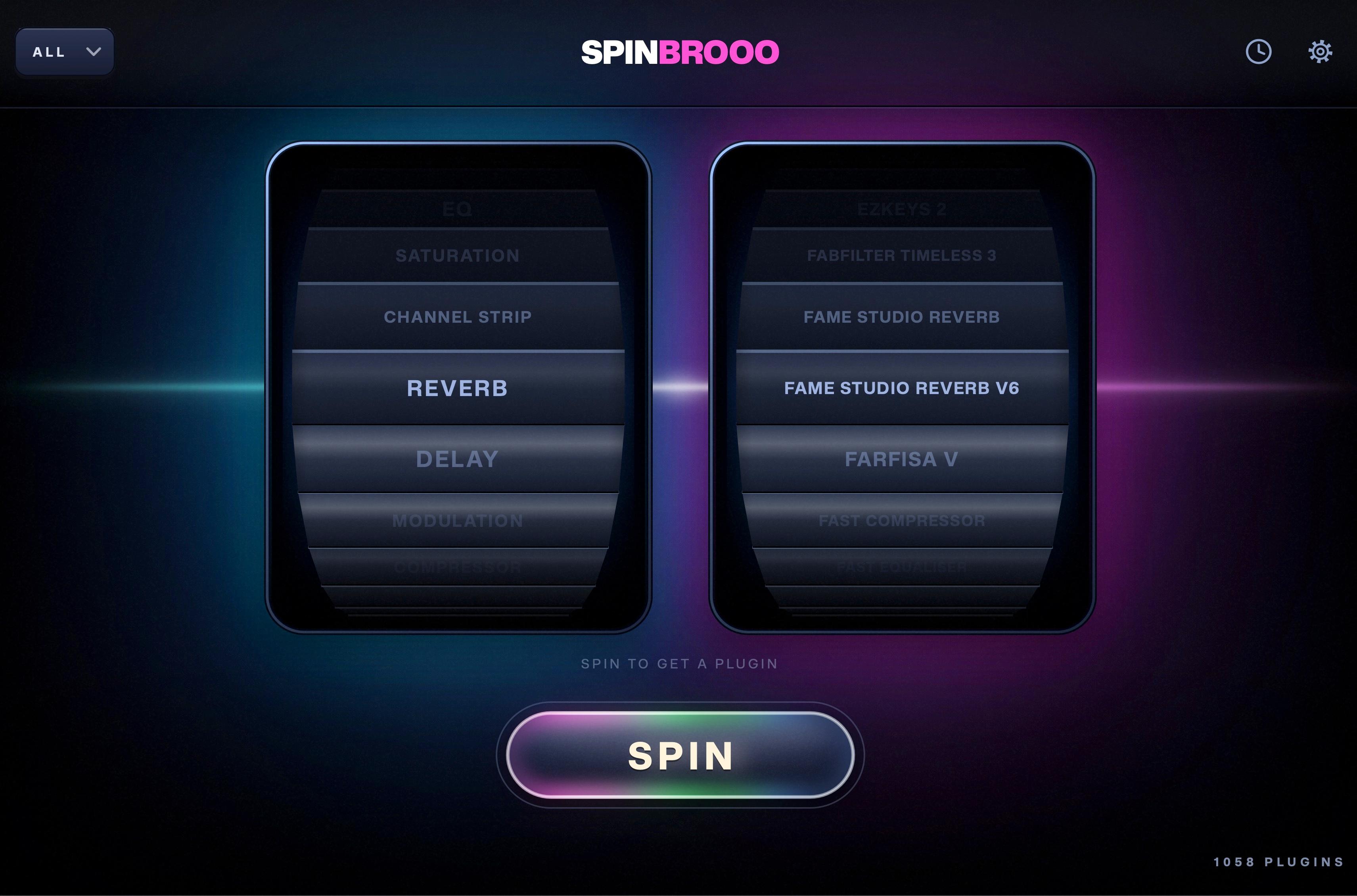
Two reels turn and hand you one.
You go and open it.
Features
Reverbs, delays, compressors, EQs and the rest, each with a count of what you actually own. Tick the kinds you want in the draw, or leave it on ALL and let the whole collection play.
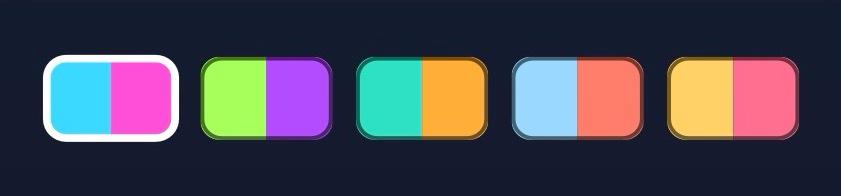
Cyan & Pink, Lime & Violet, Teal & Amber, Ice & Coral, Gold & Rose. Each one recolours both reels and every lit part of the window, and your choice is remembered by name so it survives an update.

The name, the vendor, the category and how long ago it came up. When something lands that you want to go back to, it is still there, and you can clear the lot in one press.
More features
Fix filenames & ID3 tags, in one click
Smart end-silence cleanup for audio stems
A mid/side plugin that injects the side energy back into the centre, so the mix holds up wherever it lands
Session organizer for Fender Studio Pro
Music organizer for Serato DJ Pro
Pricing
FAQ
It reads the plugins already installed on your machine, sorts them by what they do, and hands you one at random.
Pick a category or leave it on ALL, press SPIN, and two reels turn: one for the kind of thing, one for the plugin.
Yes. Every feature, with no trial window and nothing to upgrade to.
You sign in once and pair the plugin, which is how your licence reaches it.
SpinBrooo reads your plugins from disk rather than loading them, so a full library is read in a couple of seconds and your session carries on untouched.
AU, VST3, VST2 and AAX, including the plugins that live inside Waves' shells.
It finds them wherever your system keeps them.
From a catalogue that ships with SpinBrooo, and from what each plugin declares about itself.
Anything it gets wrong you can correct in one click, and the correction sticks.
Not twice in a row. SpinBrooo remembers the recent draws and keeps away from them.
In a small category it keeps as much distance as the category allows.
Yes. Throw a plugin out and it stays out of every spin from then on.
The Plugin Library shows everything it found, with the vendor and the type, sorted by name, vendor or type.
A Mac.
SpinBrooo loads in your DAW as AU or VST3, and it also comes as a standalone app you can keep open beside the session.
Yes. There are five skins, and each one recolours both reels and every lit part of the window.
Cyan & Pink, Lime & Violet, Teal & Amber, Ice & Coral, and Gold & Rose. Your choice is remembered by name, so it survives an update.
SpinBrooo tells you what to open, and you open it.
It sits on a track as a place to press SPIN from, and your signal passes through it untouched.


