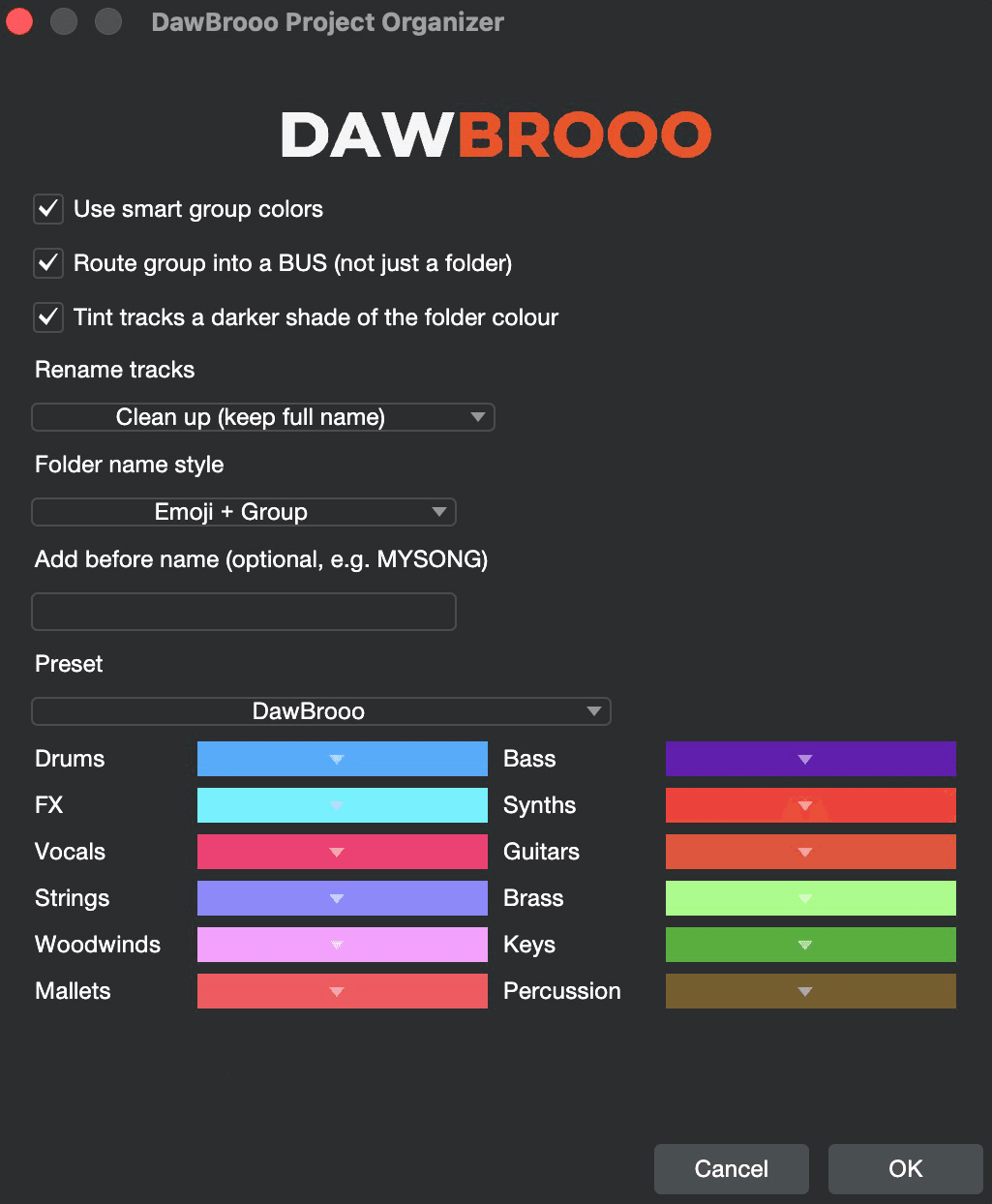
What does DawBrooo do?
It organizes your session: every track sorted into real bus folders, colored, tinted, and cleanly renamed, in one click.
It never downloads or changes your audio files.
Is this a standalone app?
No. DawBrooo is an add-on that runs inside Fender Studio Pro.
You need Fender Studio Pro installed, and DawBrooo organizes your sessions in it.
How do I install it?
Two steps.
1) Drag DawBroooProjectOrganizer.package onto the Fender Studio Pro icon in the install window. It copies itself into the right place (allow it if macOS asks).
2) In Fender Studio Pro, open the Macro Toolbar setup, hit Import, and choose DawBrooo.macropage. That adds the DawBrooo toolbar tab.
Every command also lives in the command menu and the Keyboard Shortcuts editor. Search DAWBROOO to assign your own shortcuts.
The install didn't work. Is there a manual way?
Yes.
1) Right click the Fender Studio Pro app and choose Show Package Contents.
2) Copy DawBroooProjectOrganizer.package into Contents > Scripts.
3) Restart Fender Studio Pro, then import DawBrooo.macropage as usual.
DawBrooo disappeared after a Fender Studio Pro update. What happened?
Updates replace the Fender Studio Pro app itself, and the DawBrooo script lives inside it - so the update wipes it.
Just install the script again (drag the package onto the app icon) and you're back. Your toolbar isn't affected.
What DAW does this work with?
DawBrooo Project Organizer is built for Fender Studio Pro.
Will this keep working in the future?
DawBrooo works as long as Fender Studio Pro continues to support this kind of scripting - nothing to approve or set up on your end.
We actively maintain DawBrooo to stay compatible with new Fender Studio Pro releases, though we can't control changes made on Fender's side.
Does it touch my audio files?
No. It only organizes tracks, groups, buses and folder names inside your session.
How many computers can I use it on?
Your license works on up to 2 of your machines.
Can I get a refund?
Digital purchases aren't refunded for a change of mind.
If something's genuinely broken and we can't fix it, contact us and we'll sort it out.
 DawBrooo