 MSBrooo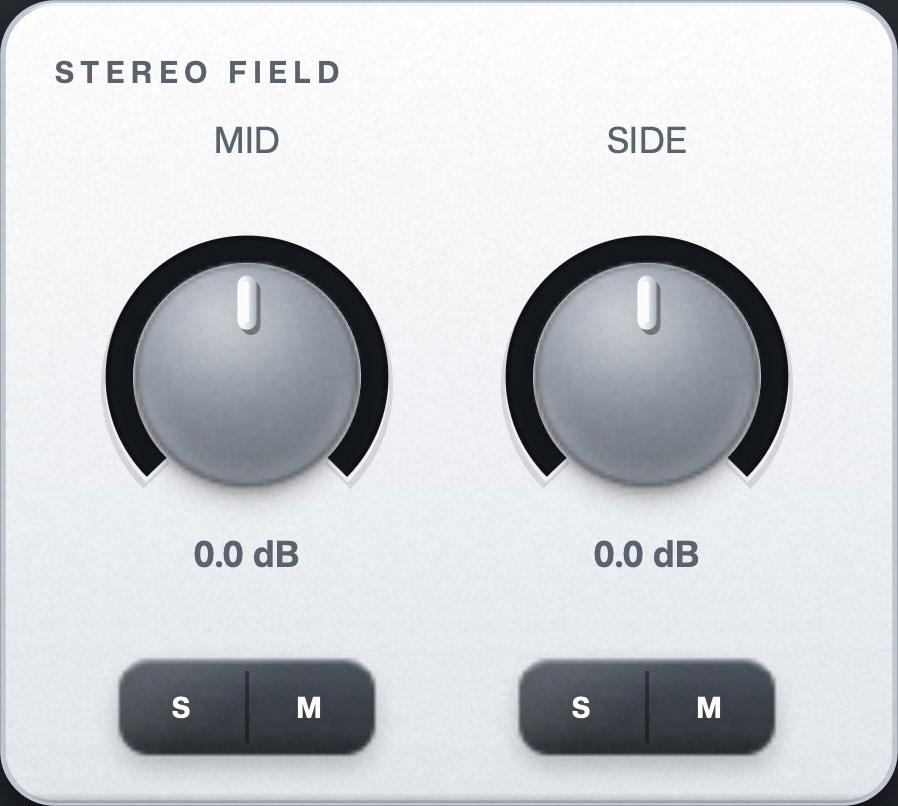
Stereo Field
Mid and Side gain, each with its own solo and mute so you hear exactly what you are moving.

MSBrooo injects the side energy back into the centre,
so the mix holds up wherever it lands.
AU and VST3. macOS

How It Works
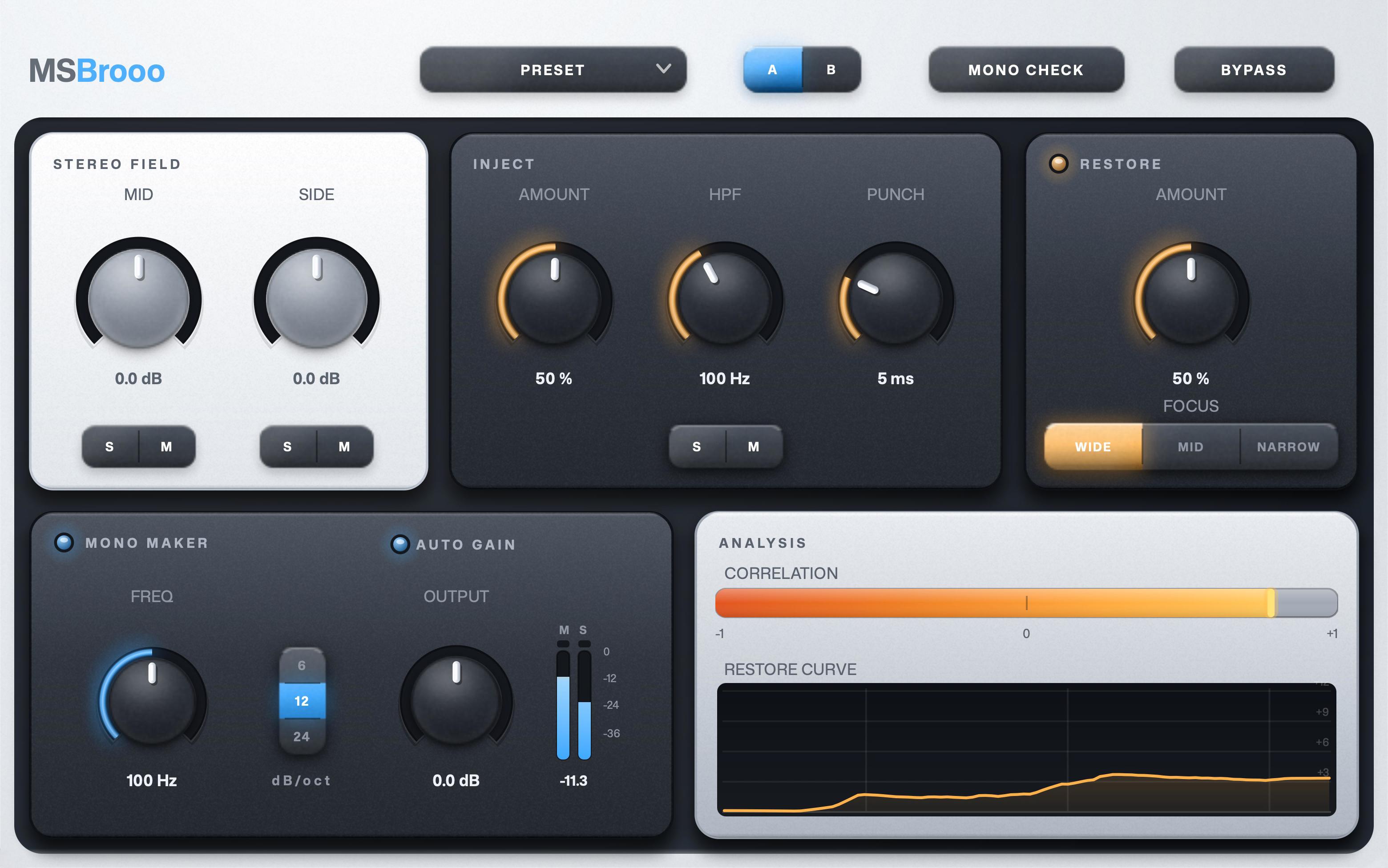
Mid and Side gain, with solo and mute on each so you can hear exactly what you are moving.
The energy that lived only in the sides gets moved into the centre, so it survives when the mix collapses to mono.
One button collapses the mix, and the correlation meter shows what actually survives.
Auto gain matches the level for you, so turning the width up or down never makes the mix louder or quieter.
Features
Mid and Side gain, each with its own solo and mute so you hear exactly what you are moving.
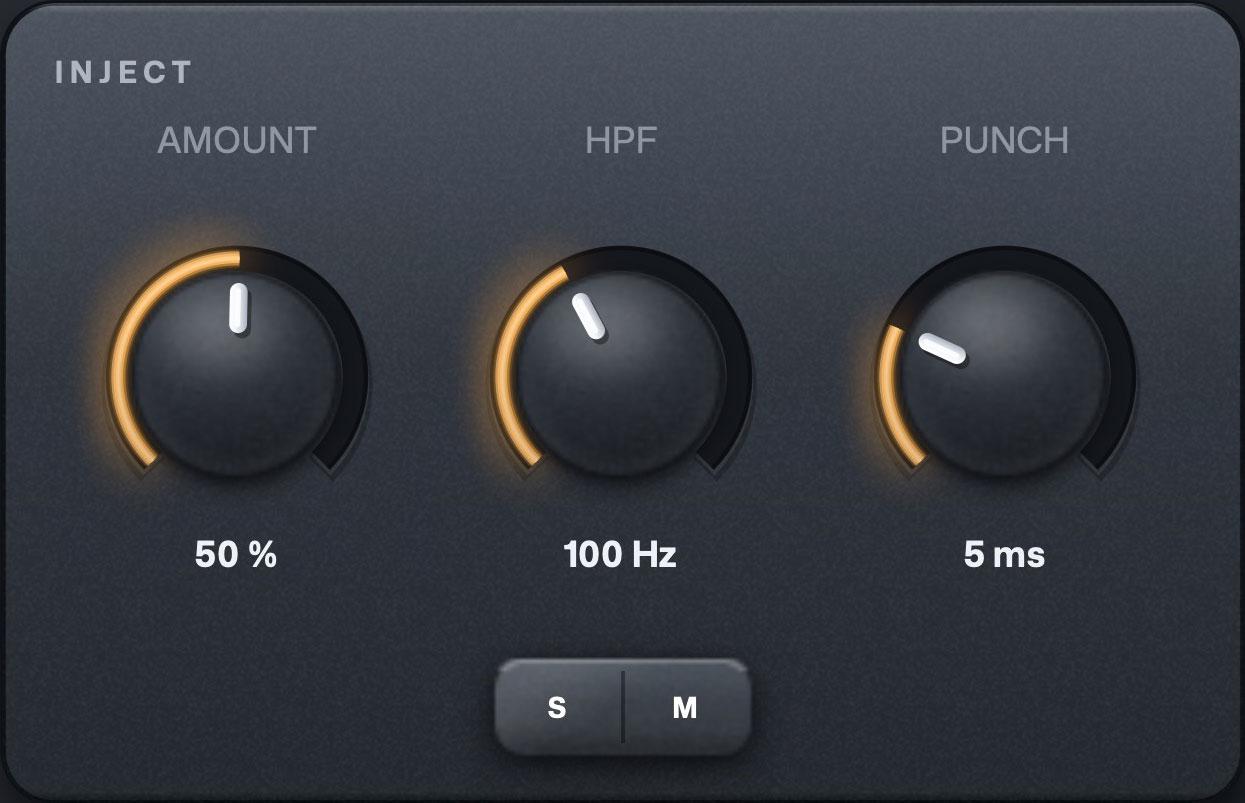
The energy that lived only in the sides, filtered and summed into the mid. Punch catches the hit itself and injects it harder, so the impact survives the collapse to mono, not just the body.
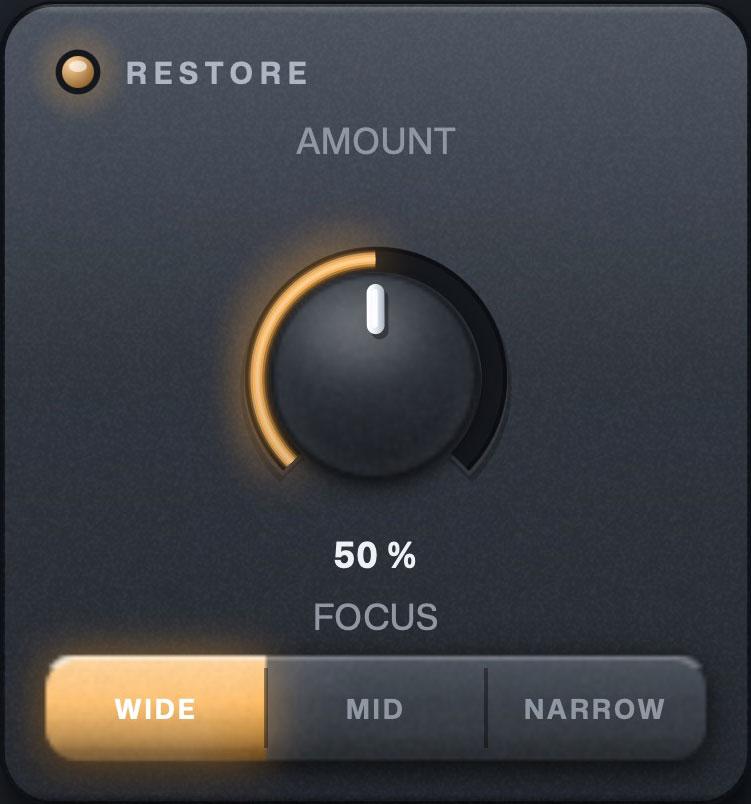
A spectral compensation EQ that reads the mid against the sides across the frequency range and lifts the mid where the sides carry more. Focus sets how wide the correction is smoothed.
More features
Pricing
FAQ
Narrowing a stereo image normally deletes whatever lived only in the side channel, so the mix thins as it narrows.
Inject takes that energy and moves it into the centre instead, in a way that keeps the image where it was. The content survives a collapse to mono.
Inject moves content. Energy that lived only in the sides is filtered and summed into the mid, so it survives a collapse to mono.
Restore fixes tonal balance instead. Bin by bin it compares the mid against the sides, and where the sides carry more it lifts the mid's own content to close the gap. It never transplants anything, so a bin where the mid is empty is left alone. That one is Inject's job.
Both read the source before your knobs, so they measure the material and not a knob position, and they run happily together.
No. Both inject modes filter the real side signal and add it.
Nothing is reconstructed from a borrowed phase.
One full frame, constant, in both inject modes and whether or not anything is switched on.
Only the Precision setting changes it, deliberately, because it is chosen once per session rather than automated.
AU and VST3, for macOS.
7 days of the full plugin, every feature unlocked.
After that it passes audio through clean until you unlock it.
You do not type anything into the plugin. It shows a short pairing code, you approve it in your browser, and the plugin unlocks.
After one activation it keeps working offline.
Your license works on up to 2 of your machines.


