What does DJBrooo do?
It takes the folders you've already sorted your music into and drops them straight into Serato, matching your drive exactly.
The setup you built on disk is the setup you see in Serato.
Why don't my folders show up in Serato right away?
Serato only scans for new files when it launches.
Quit Serato and open it again after a sync, and your folders are all there.
Can I choose how a folder lands in Serato?
Yes. Every folder in the list has a ROOT button.
Leave it off and the folder becomes a playlist, with its subfolders nested inside it. Turn it on and each subfolder becomes a top-level playlist of its own.
Do my folders stay in the list?
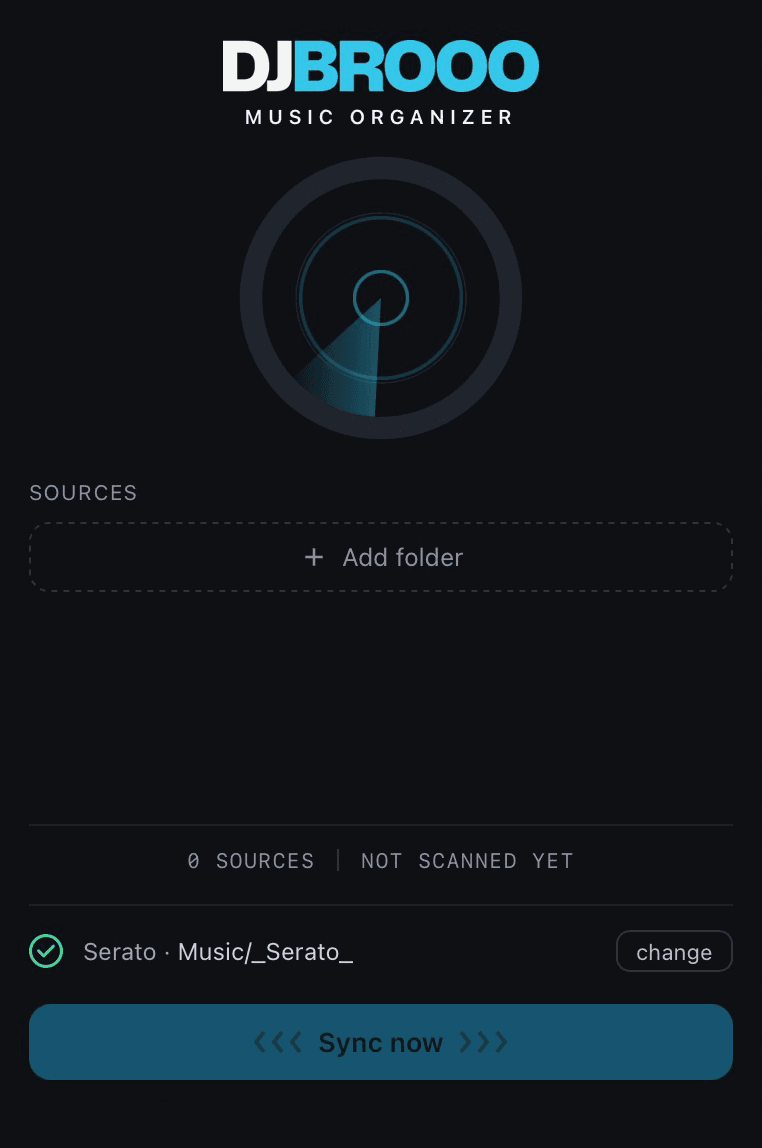
Tap the pin on any folder and it loads automatically every time you open DJBrooo.
The folders you always use are already there, ready to sync.
What do I need to run it?
A Mac with Apple Silicon (M1 or newer) and Serato DJ.
DJBrooo is a native macOS app - Intel Macs aren't supported.
How do I install it?
Download the app from your account, open the file, and drag the app into Applications.
On first launch, right click the app and choose Open.
Which versions of Serato does it work with?
All of them. DJBrooo works with any version of Serato DJ.
Will it mess up my library in Serato?
No. DJBrooo is add-only - it never deletes, reorders, or overwrites anything.
It also takes a timestamped backup of your Serato library before every run, so you're always one step from undo.
Can I undo a sync?
Yes. DJBrooo saves a snapshot of your playlists before every sync.
Open the Backups panel, pick the snapshot from before the change, and click Restore. Your current playlists are saved as a new snapshot first, so the restore is itself undoable. Close Serato before you restore, and open it again after.
Does it touch my cues or beatgrids?
Never. It only adds your folders.
Your cues, gain, and beatgrids stay exactly as you left them.
What happens when I add new music later?
Just run it again.
DJBrooo brings in only the new tracks in seconds - no duplicates, and nothing to redo by hand.
How many computers can I use it on?
Your license works on up to 2 of your machines.
Can I get a refund?
Digital purchases aren't refunded for a change of mind.
If something's genuinely broken and we can't fix it, contact us and we'll sort it out.
 DJBrooo